> ## Documentation Index
> Fetch the complete documentation index at: https://docs.synctera.com/llms.txt
> Use this file to discover all available pages before exploring further.
# Information Request cases
> The Information Request case type provides a place for you, your bank partner, and Synctera to reliably request and send information to one another within the Synctera Console.
## Overview
As a replacement for handling communications and requests for information or documentation via email or other means, this case type can be used as an auditable and trackable way for collecting and sharing information between you, your bank partner, and Synctera.
## When to use the Information Request case type
You can create an Information Request case any time you would like to get information or ask a question of another entity in the partnership. For example, you can use create an Information Request case if you have a question about product support or need new documentation from your Bank or Synctera. Your Bank can create an Information Request case when they are looking for documented guidance or templates from their FinTech partners or from Synctera.
Cases will be actionable by the opener and by the entity they open the case to request information from. Assignees can add notes and attachments and send them for review. If multiple rounds of review or back-and-forth are required, the case can be sent between the entities involved repeatedly until the information is provided and approved and a solution is found.
In the scenario where a case was inadvertently opened or can be canceled without further resolution, the opener of the case can cancel the case, putting it into a terminal state where no further changes can be made.
## What's displayed for the Information Request case type
### **Opener of the Case**
This will show which entity in the partnership (Bank/FinTech/Synctera) opened the case.
### **Recipient of the Case**
This will show which entity in the partnership the opener is requesting information from
### **Notes and attachments**
This will display all of the notes and questions that have been entered by the assignees of the case from each entity involved, as well as any documents or attachments added to the case.
## Creating and actioning cases
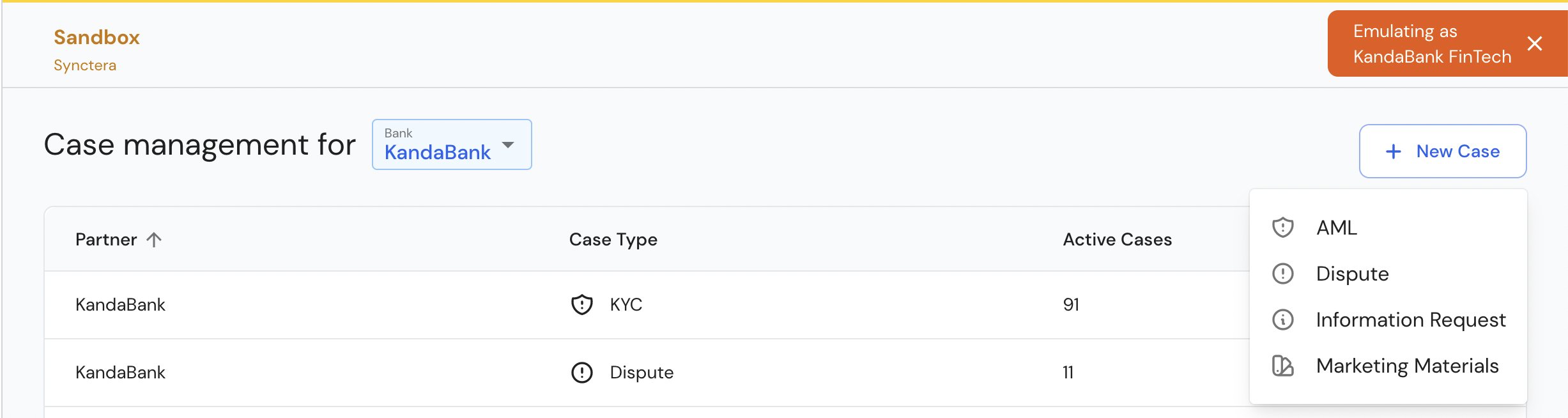
Information Request cases can be created by using the “+ New Case” button on the Cases Overview page or the Active or Close Cases Pages.
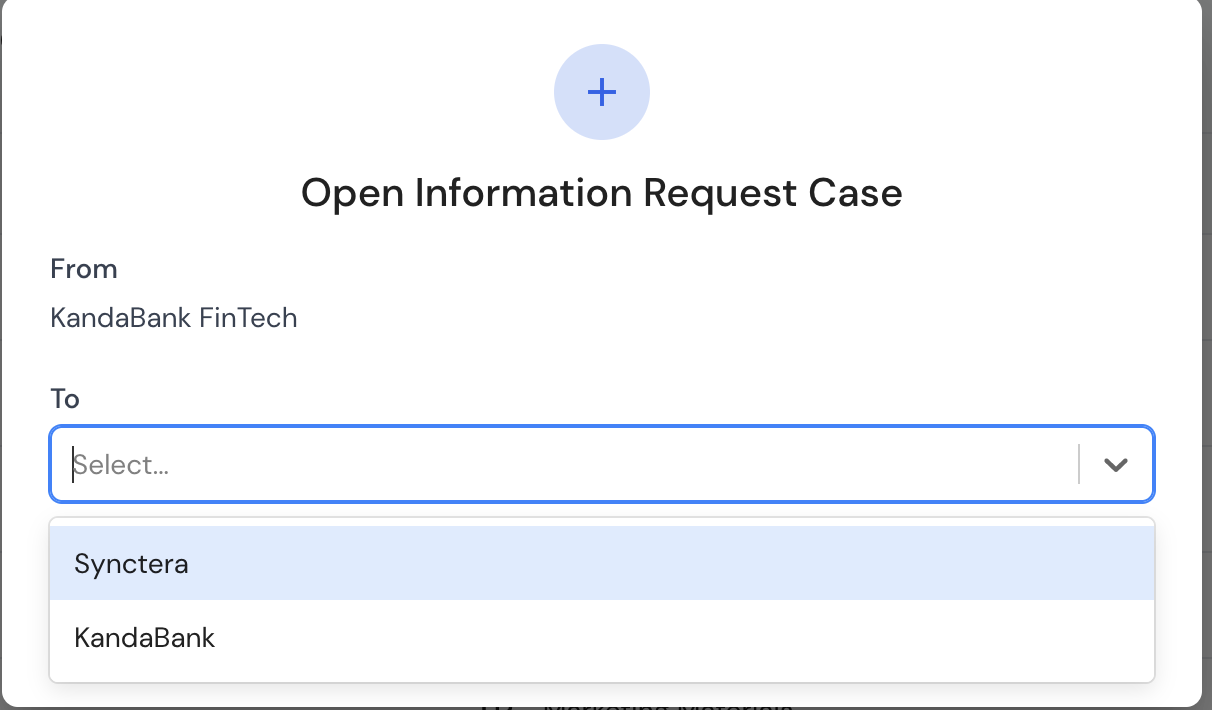
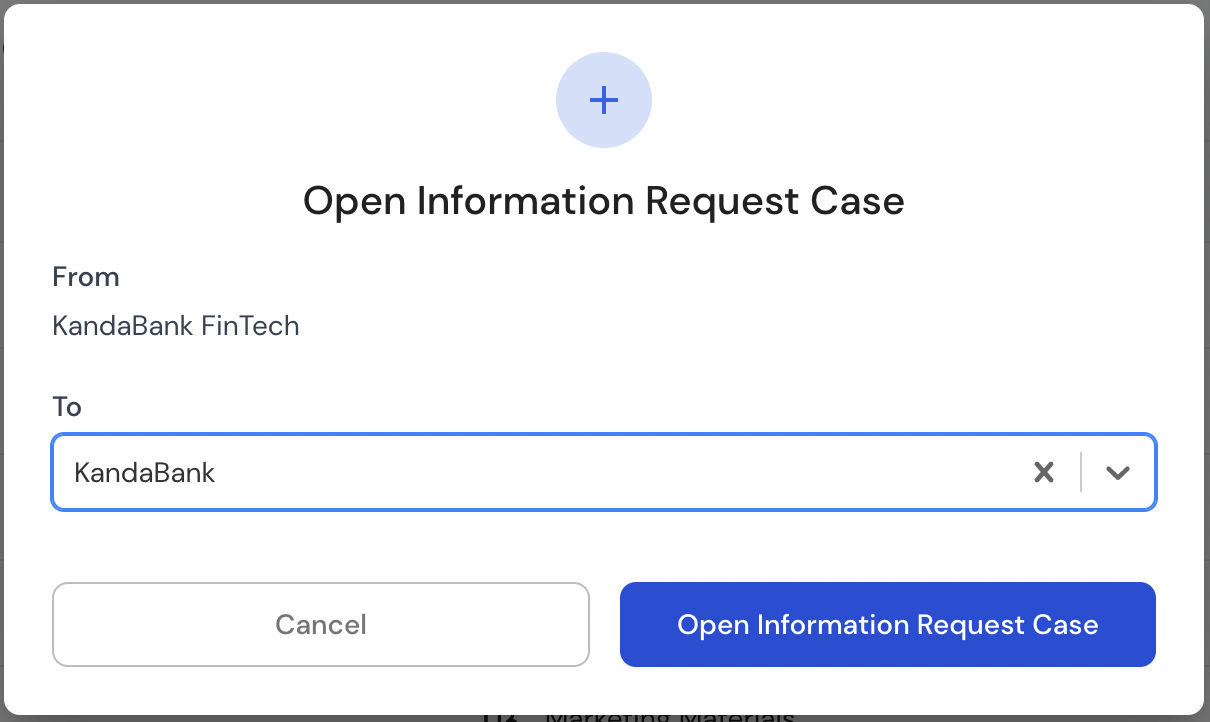
 From there you will be asked which entity in the partnership you’d like to request this information from.
 You can then enter the specific request for information in the "Notes" section.
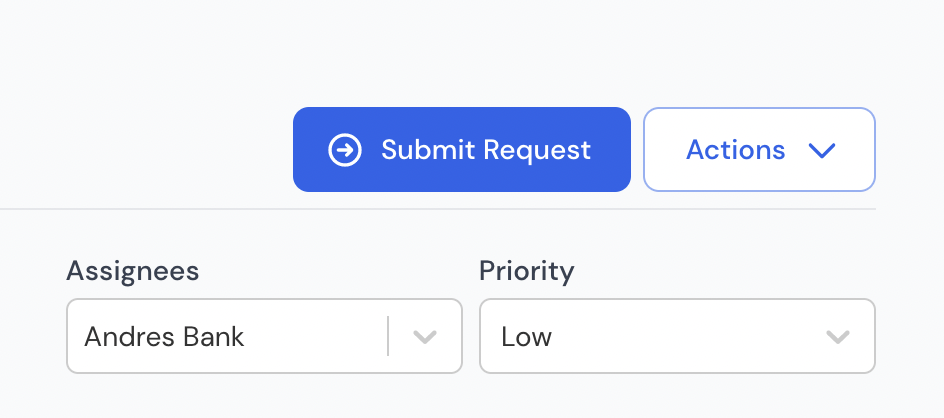
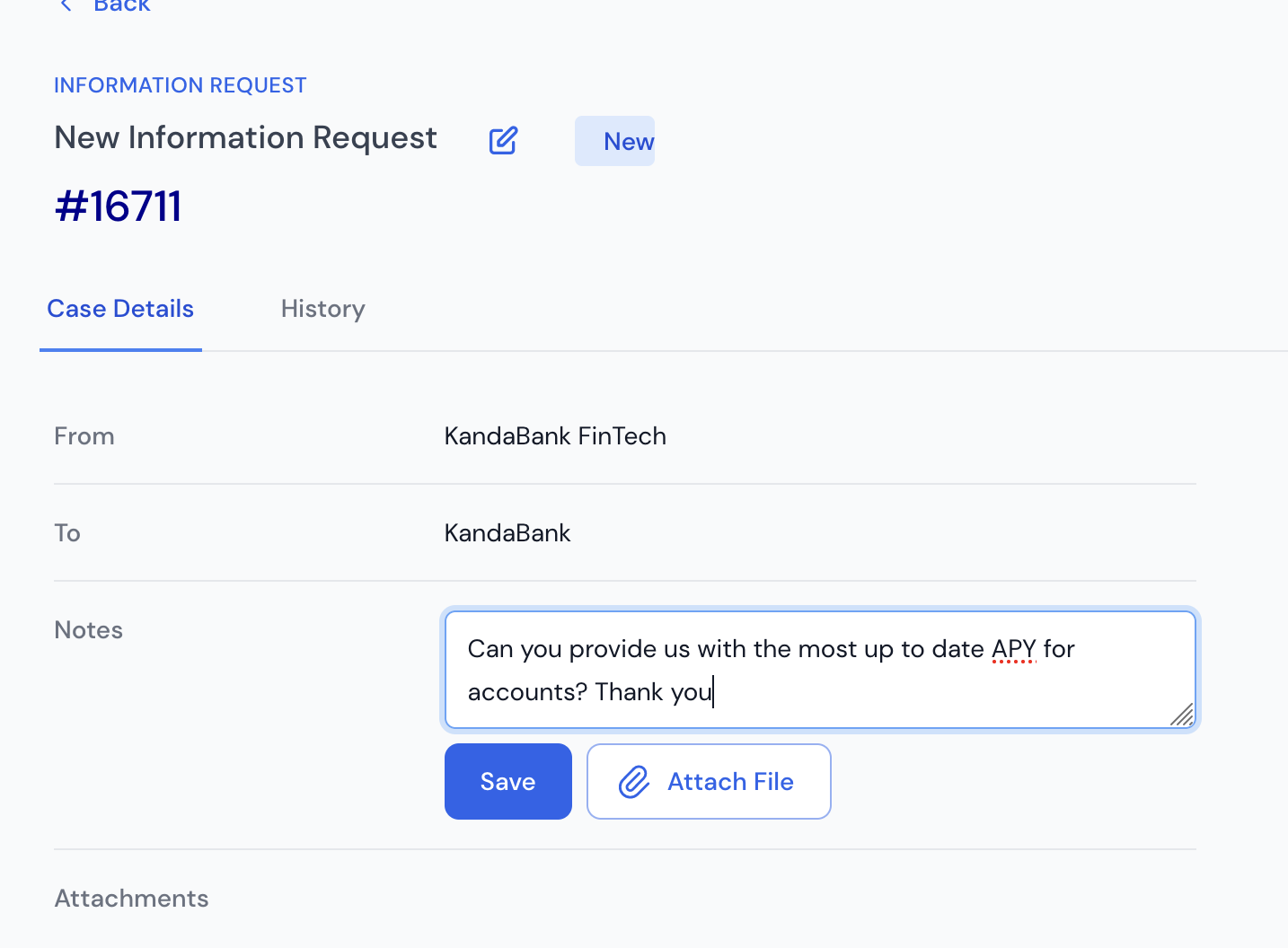 Once you’ve typed in your request, you can "Submit Request" to send it over the the entity in the partnership that you’ve designated as the receiver of the request.
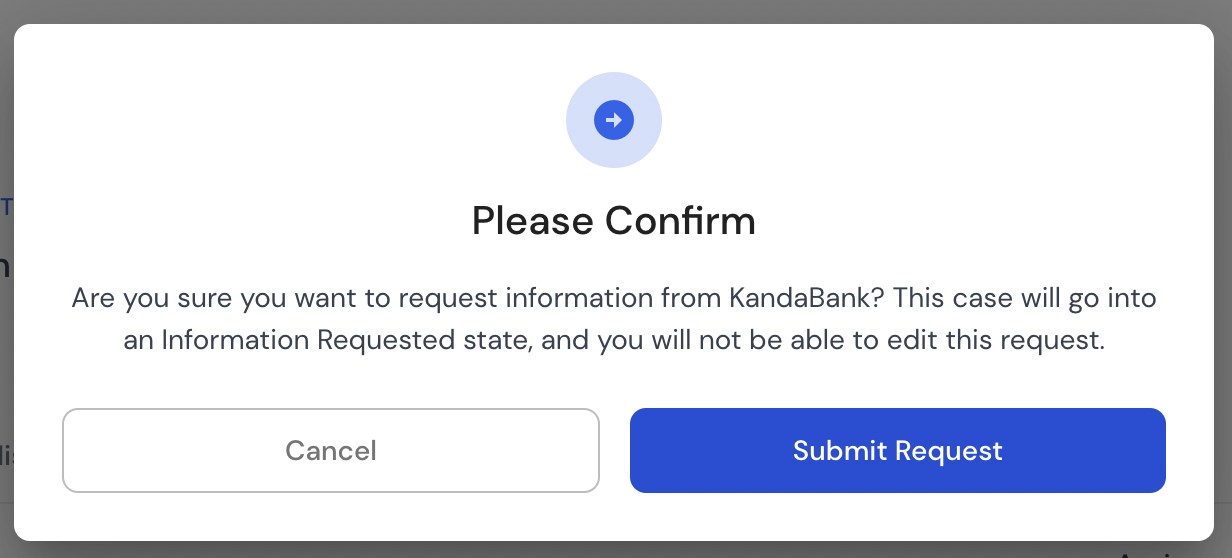 The receiving entity will then see your request for information and can take action. They will review the request and provide you with the requested information or return questions to get a better understanding of the request.
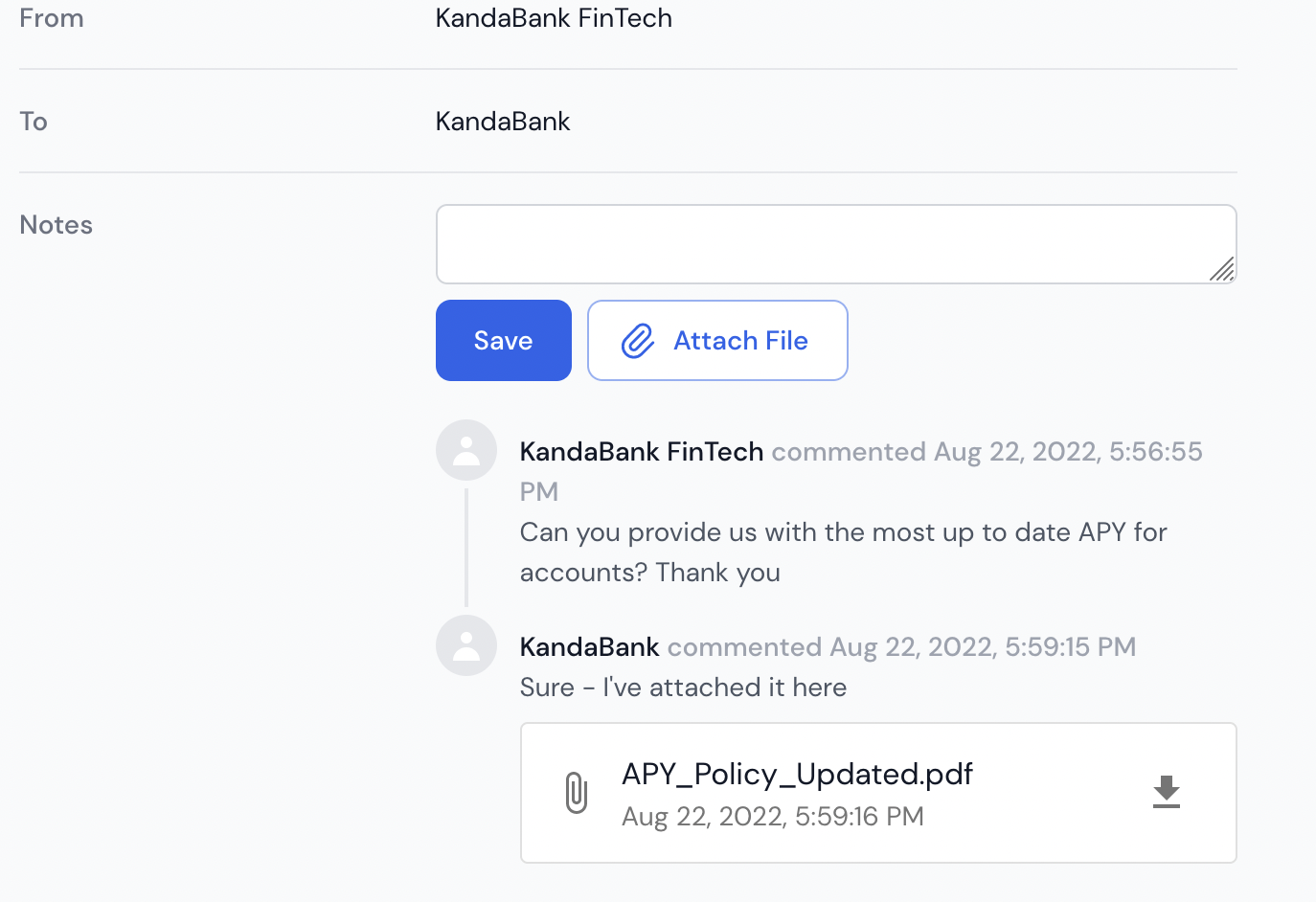 Once they have added notes or questions, they will "Submit Information," sending it back to the opener.
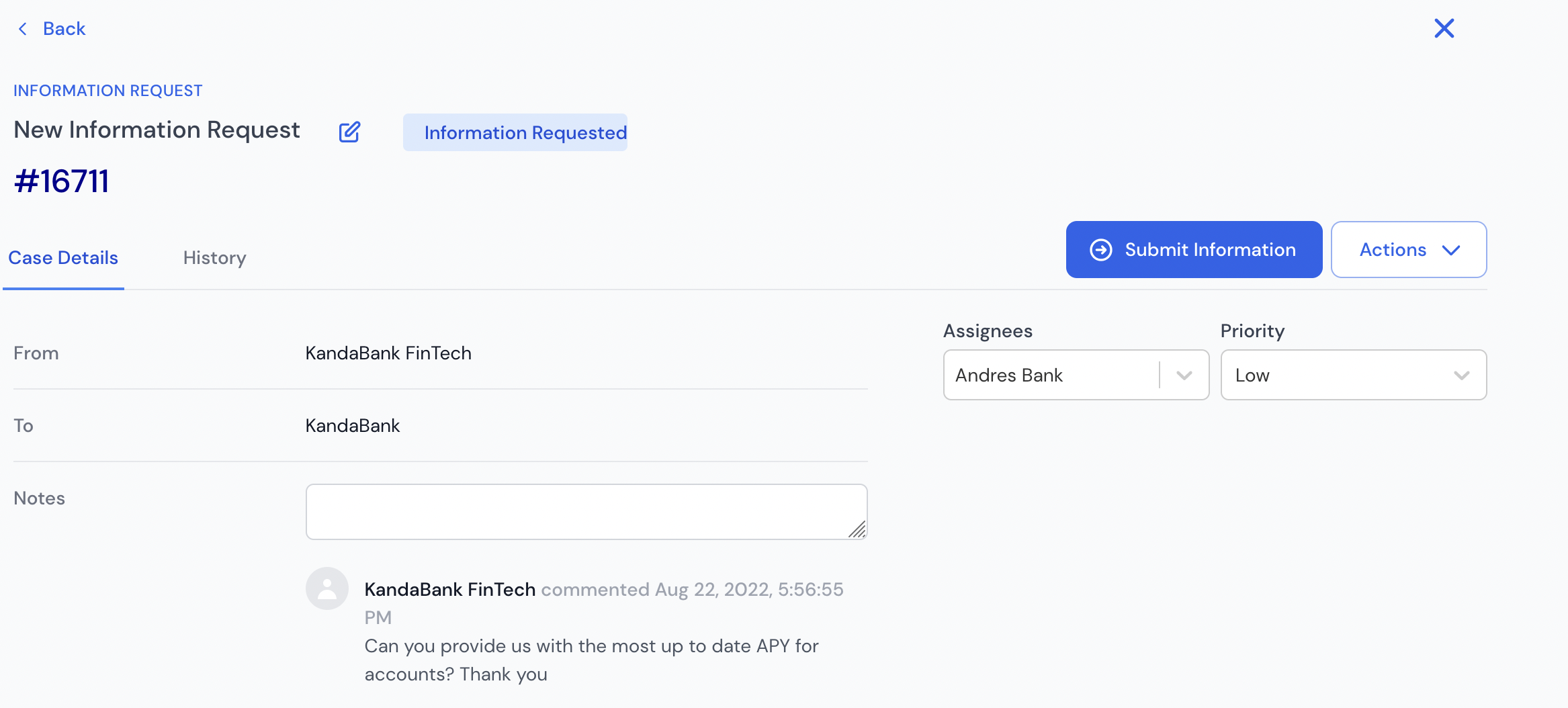
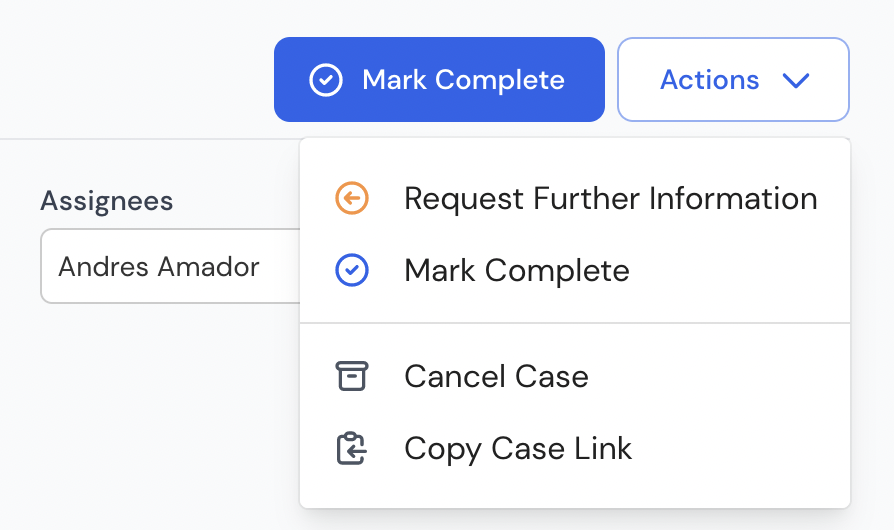
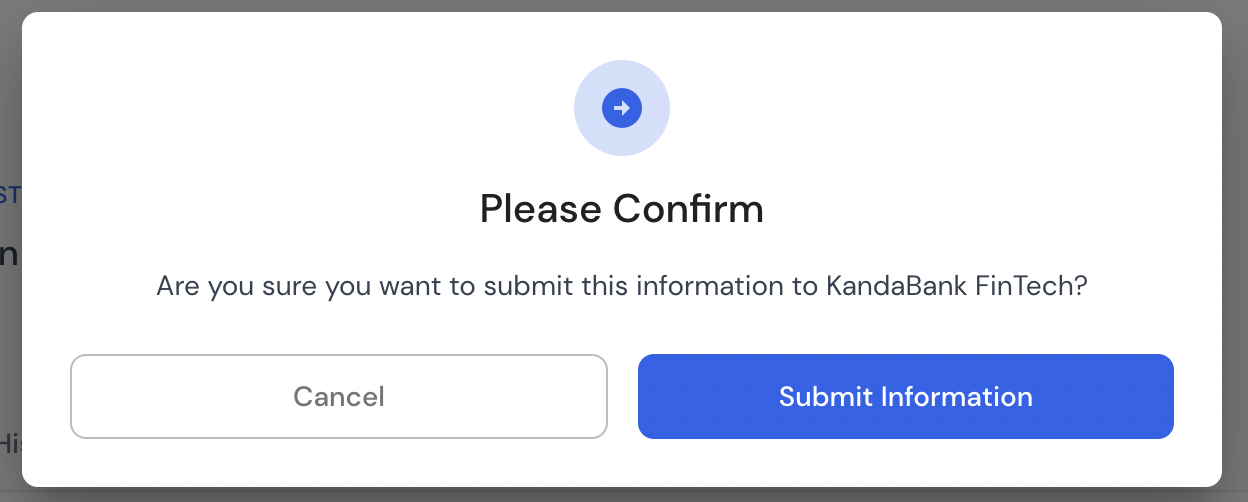 Once the case has been submitted to the opener with the request information or questions, the opener can review the response and “Request Further Information” or mark the case as “Information Gathered."
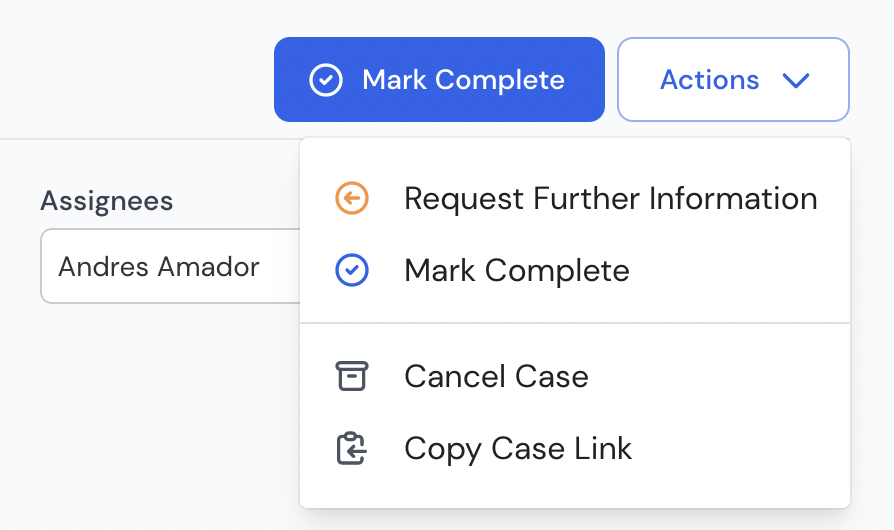 If the case is marked as “Request Further Information,” it will be send back to the receiver for further review.
If the case is marked “Information Gathered,” the case will be closed.
If at any point during the lifetime of the case the opener has decided the information is no longer required or that the case was a mistake, the case can be canceled at any point using the “Cancel Case” action option.
If the case is marked as “Request Further Information,” it will be send back to the receiver for further review.
If the case is marked “Information Gathered,” the case will be closed.
If at any point during the lifetime of the case the opener has decided the information is no longer required or that the case was a mistake, the case can be canceled at any point using the “Cancel Case” action option.