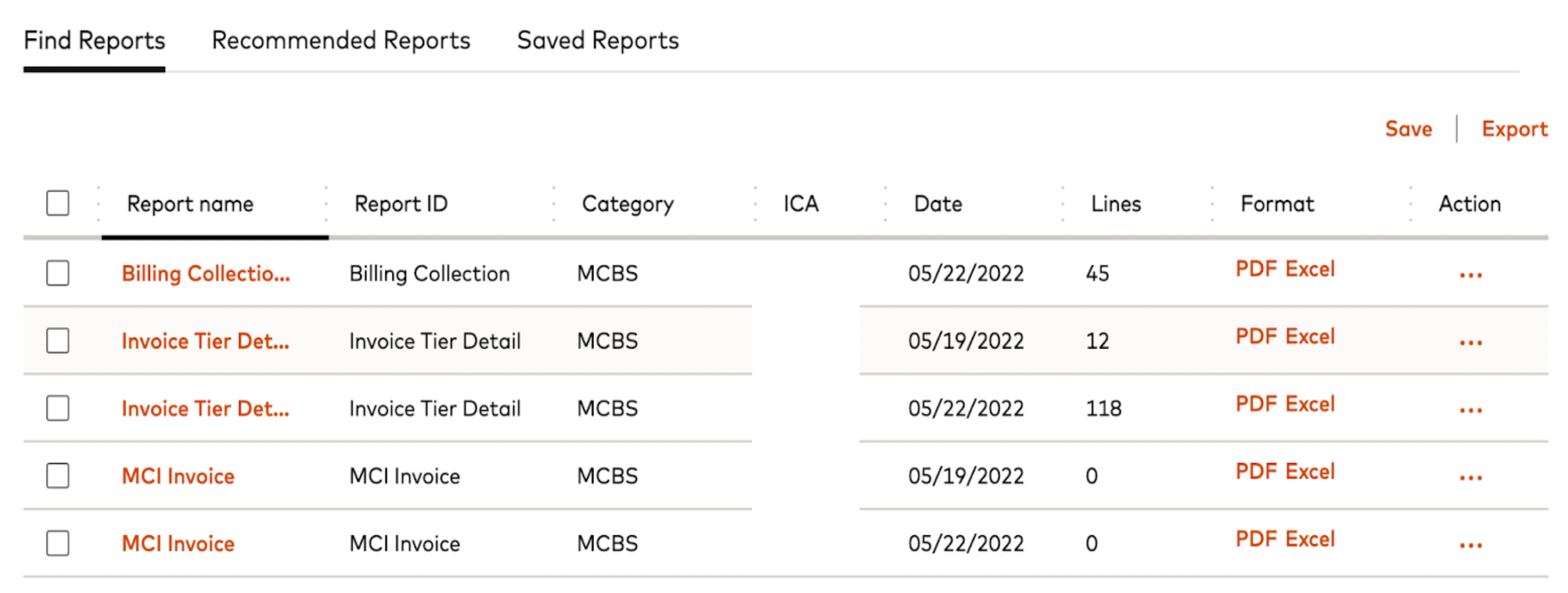
Billing
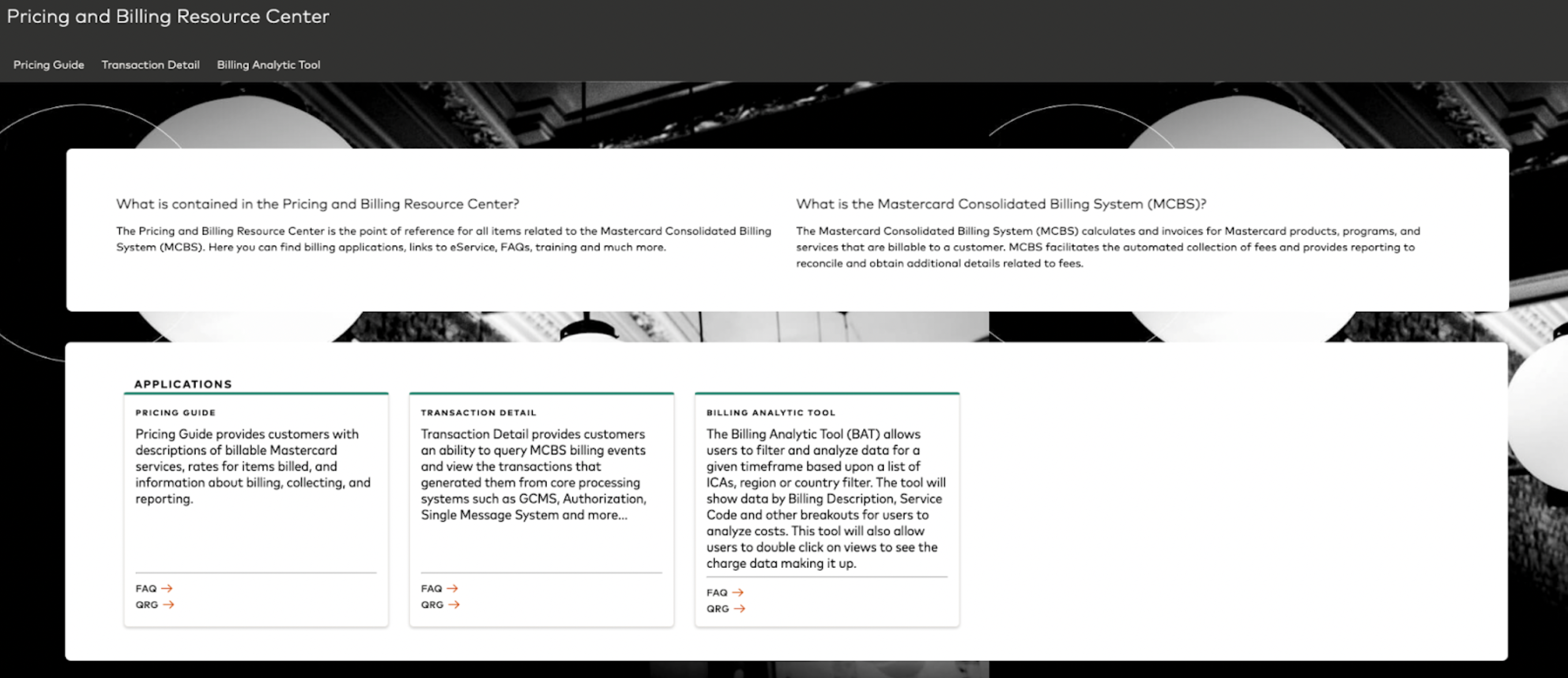
Mastercard billing is a weekly charge to your ICA and it will include fees that have a daily, weekly, monthly or quarterly recurrence and will be consolidated under that one weekly charge Reports summarize MasterCard billing information for programs and services billed to customer accounts. These invoices can be viewed in Mastercard Connect and will show fees for services rendered by Mastercard. This includes fees incurred for things such as products, services and reports. ACH as the funds transfer method for MCBS billing Please keep the following in mind:- Bank must authorize their ACH Bank to accept Mastercard drafts from Mastercard
- Bank needs to ensure that the ACH account that they provided is open and funded
Settlement
Settlement is the process by which MasterCard facilitates the exchange of funds on behalf of its customers that have sent or received financial transactions through a clearing system. A Fedwire account must be used. Mastercard settlement is a daily drawdown, occurring at 8:00am CST. It’s expected that settlement fees are paid until 2PM EST the latest, otherwise non-compliance fees will be charged. The size of the payment dependents on the activity behind the program. The Mastercard settlement agent will initiate instructions through the Federal Reserve using a Fedwire 1031 drawdown message to initiate collection of U.S. dollar payments from accountsTypes of Fees
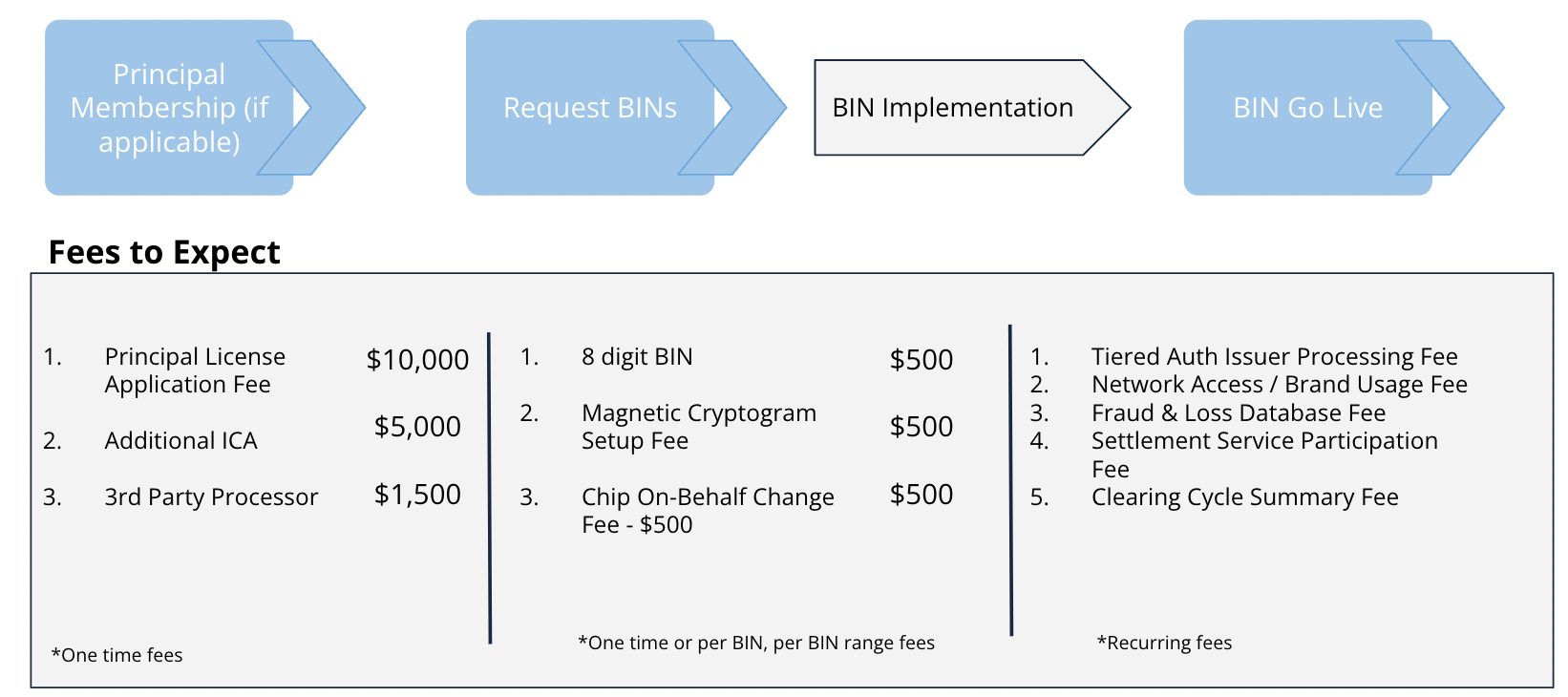
One Time Fees
These are one time fees required to stand up a card program / BIN. Examples of one time fees include:- ICA Set Up Fee
- Principal Membership
Recurring Maintenance Fees
These are recurring weekly, monthly, or annual maintenance fees for managing an active BINRecurring Transaction Fees
These are recurring processing fees, that are usually a certain rate per transaction (i.e. $0.011) Example of Recurring Fees:- Authorization Issuer Processing Fee (per txn weekly)
- Location Services Program Fee (monthly)
- Settlement Service Fee (monthly)
- Clearing Cycle Report Fees (per line per report weekly)
- Mastercard Connectivity Fee (bytes)
- Stand In Range Blocking (weekly)
Fee Categories
For full list of Service Codes & Fee Categories, go to Mastercard Connect
Fee Timeline
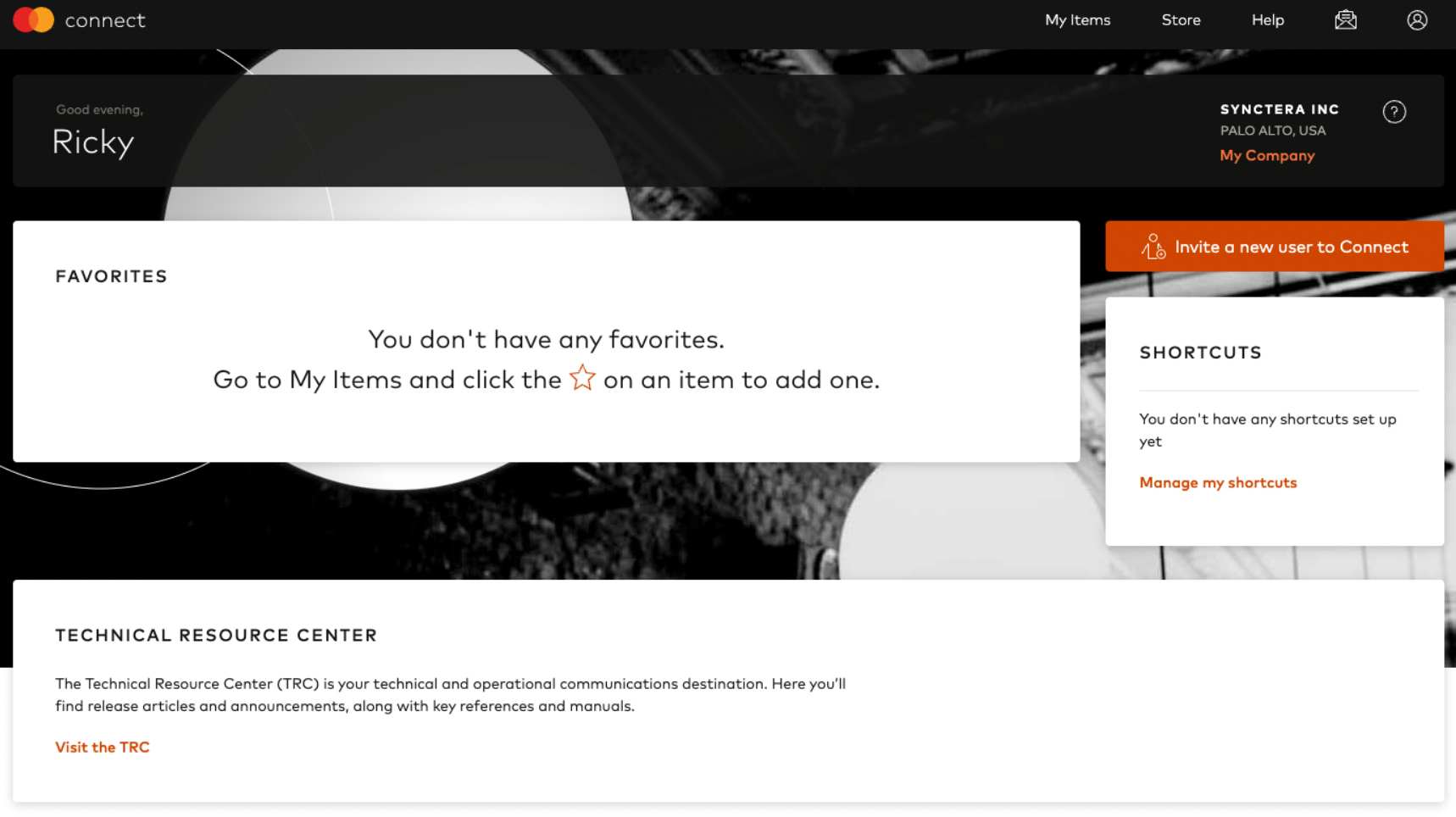
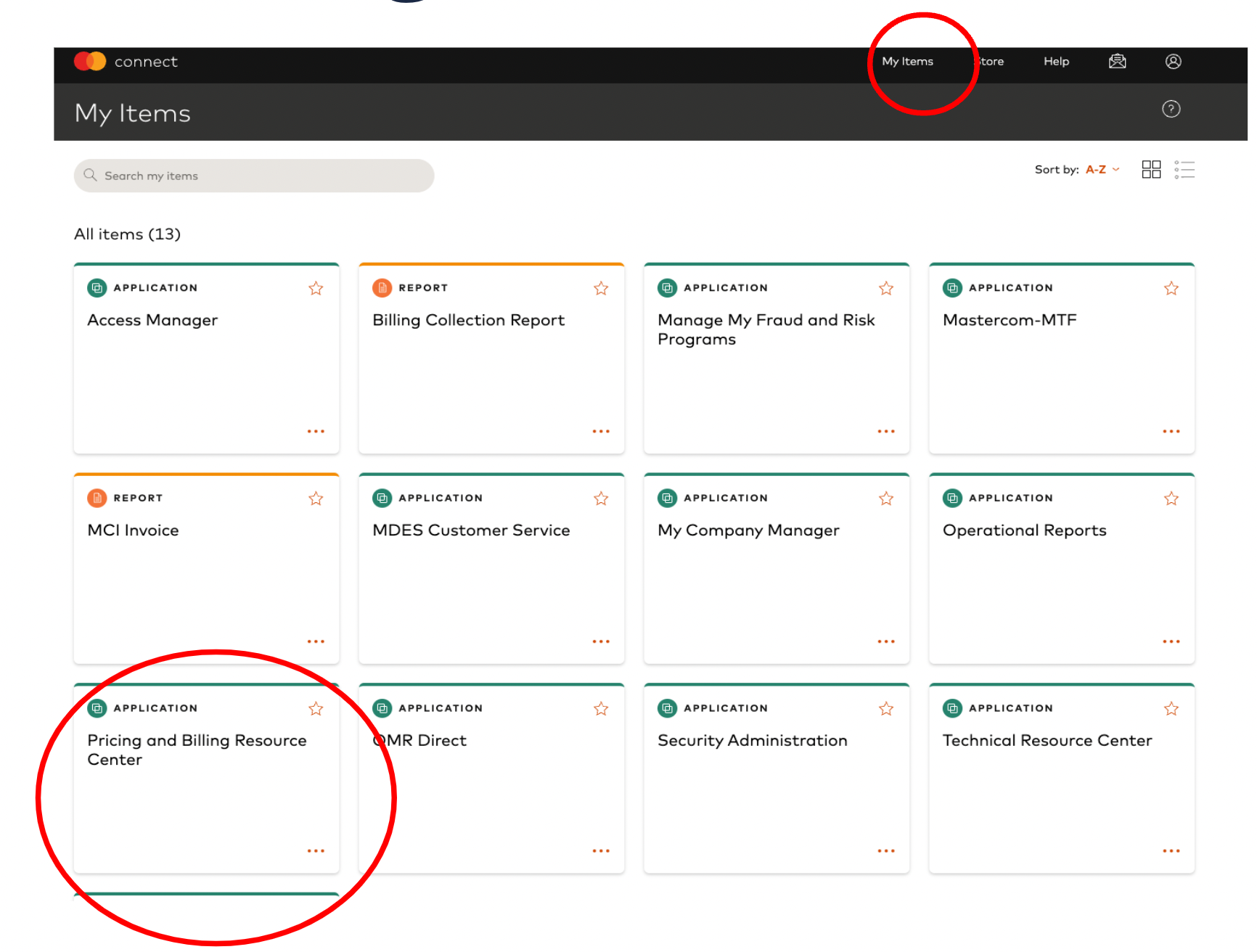
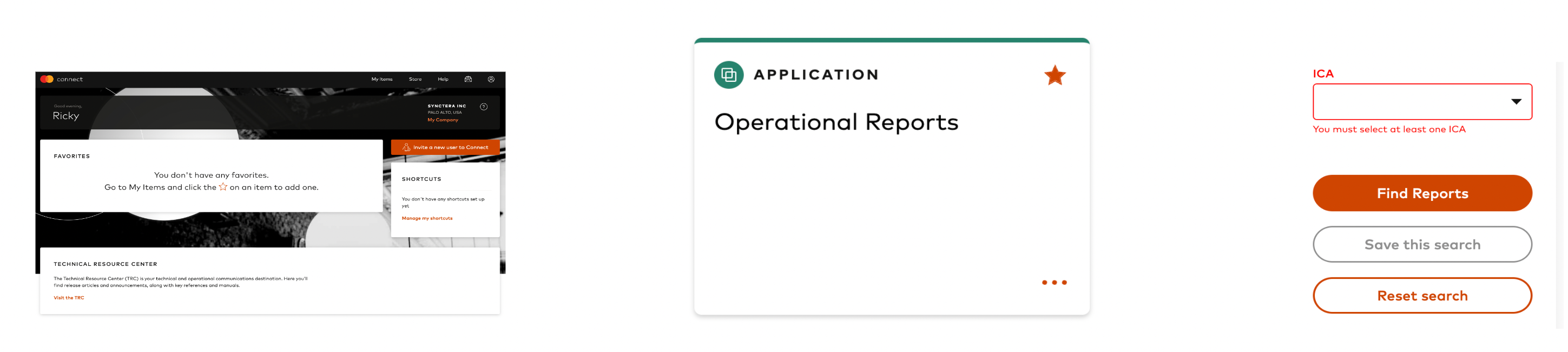
Access Your Billing